Rackside
Rackside User Guide
Rackside keeps your clients, workouts and training sessions on your iPhone, with a rest timer on your Apple Watch. This guide walks through every part of the app.
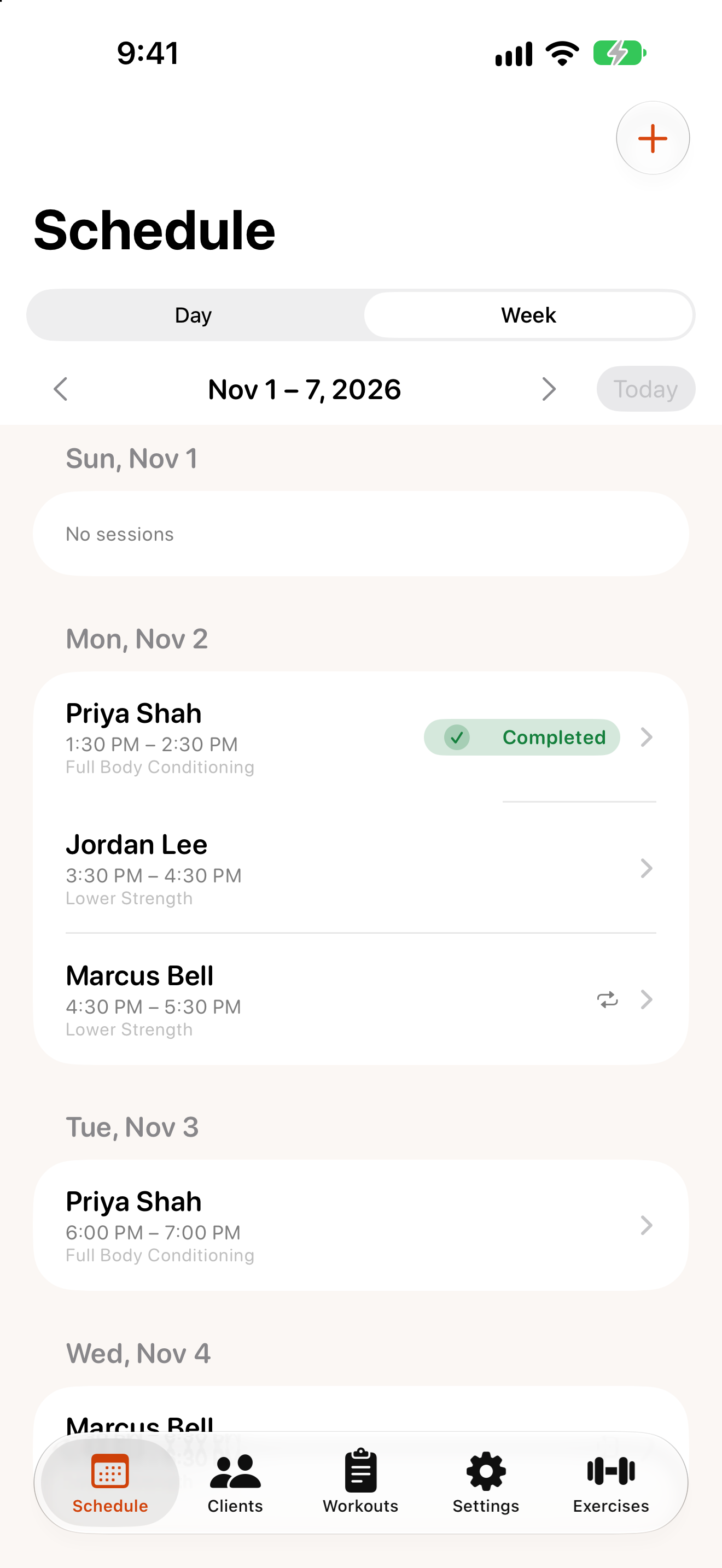
Rackside at a glance
Rackside has five tabs along the bottom of the screen:
| Tab | What it’s for |
|---|---|
Schedule |
Your sessions by day or week. Open a session to run it. |
Clients |
Everyone you train, their intake, assessments and progress. |
Workouts |
Reusable workout templates. |
Exercises |
Your exercise library. |
Settings |
Units, timers, the waiver template, backup, permissions and app info. |
Contents
- Getting started
- Clients and intake
- Health screening, assessments and waivers
- Workouts and exercises
- Scheduling sessions
- Running a session
- Apple Watch
- Progress reports
- Backup and restore
- Settings
- Troubleshooting
Need more help? See Support.