Rackside
Workouts and exercises
Build a workout
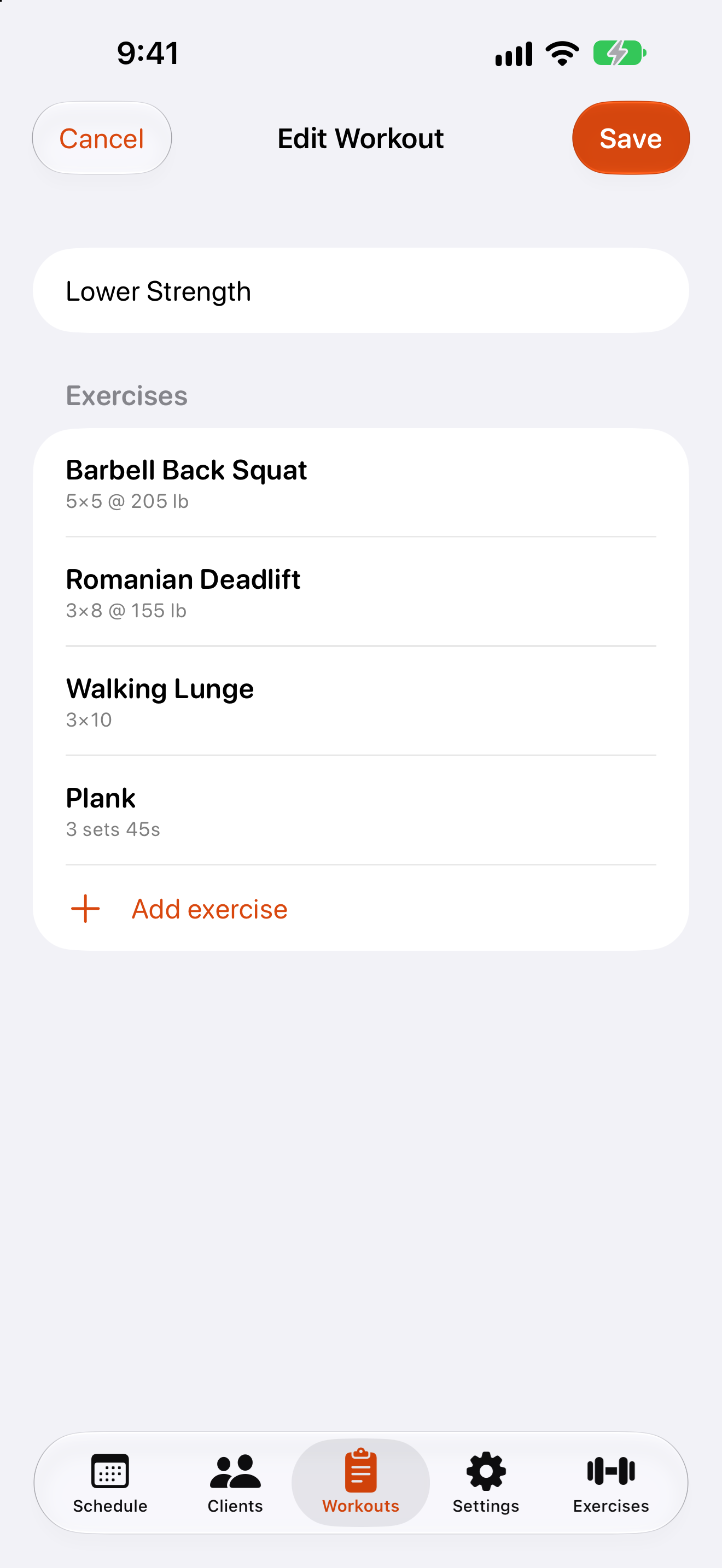
- Open the
Workoutstab and tap +. - Enter a
Workout name. - Tap
Add exercise, search for an exercise and tap it. - Tap an exercise in the list to set its
Targets— sets, reps, weight or duration. - Swipe left on an exercise to remove it.
- Tap
Save.
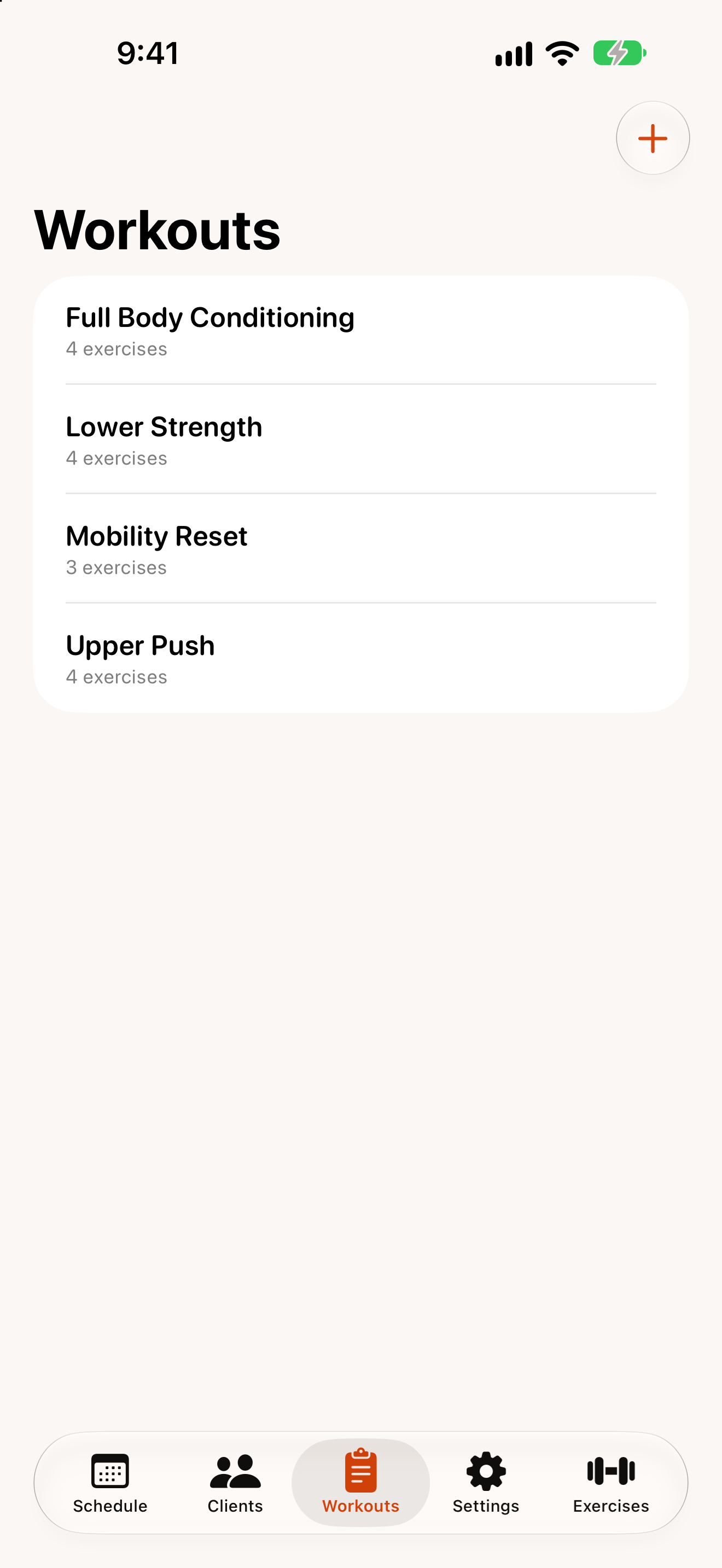
To change a workout later, tap it in the list. Swipe left on a workout to Duplicate it or Delete it. Deleting a template doesn’t affect sessions already scheduled with it — each session keeps its own copy.
Exercises
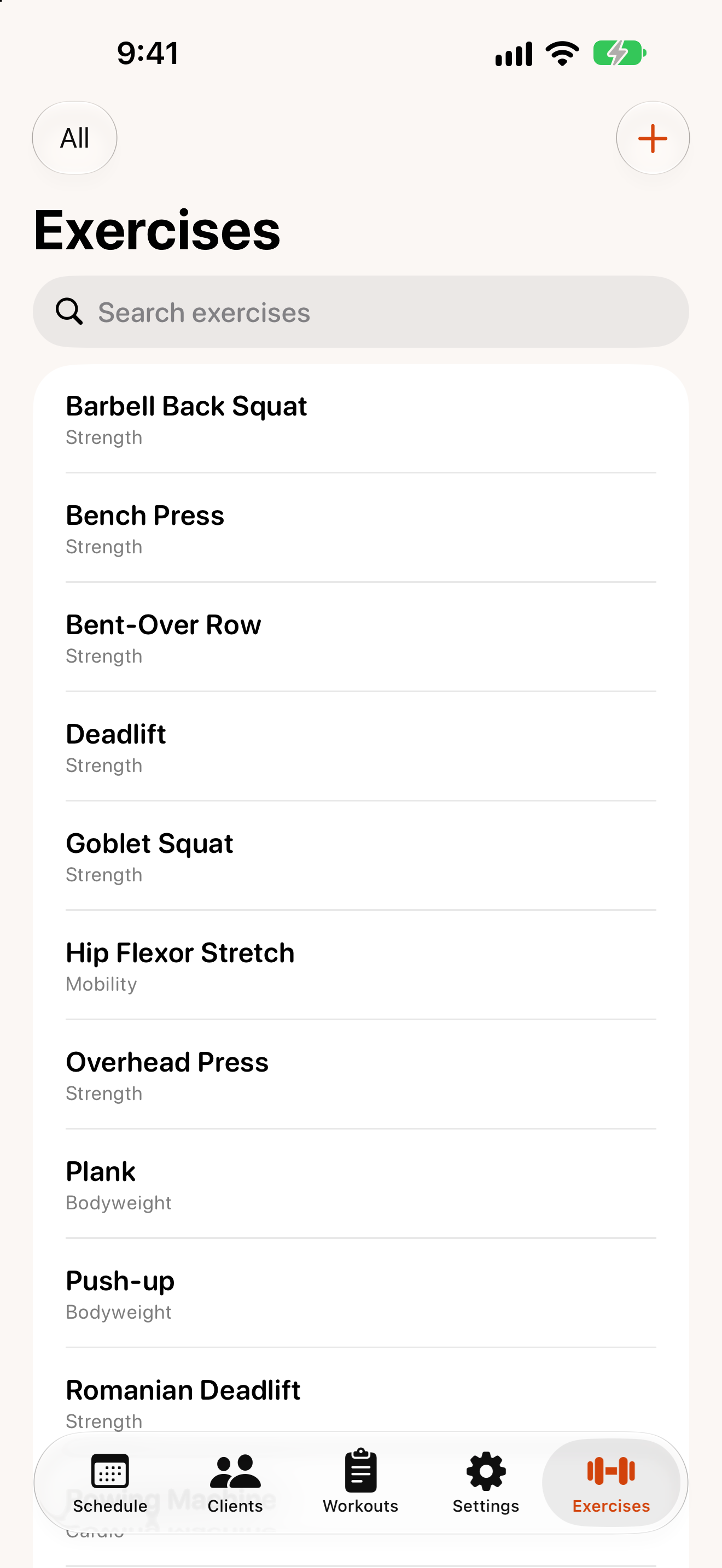
The Exercises tab lists every exercise. Use the search field to find one, or the Category menu (top left) to show only strength, cardio, bodyweight or mobility exercises. Exercises you created are marked Custom.
Add or edit an exercise
- Tap +, or tap an existing exercise.
- Enter a name and choose a category.
- Under
Tracked metrics, turn on what you record for it: weight, reps, sets, duration and/or distance. - Choose its
Default unit(lb or kg for weights; minutes or seconds; miles or kilometres). - Tap
Save.
Each exercise keeps its own unit. Changing the unit never converts weights you’ve already recorded.